 WaSparks
The WhatsApp Business app is a good product. For a one-person shop or a small team, it is often the right tool: free, familiar and quick to set up. Many businesses run happily on it for years.
The trouble comes quietly. One phone is no longer enough. A staff member leaves with the chat history. A festive broadcast reaches only some of your customers. Someone asks, “who replied to this person last week?” and nobody can say. At that point the app is not broken. You have outgrown what it was designed for.
This guide helps you recognise that point, explains what changes when you move to a team platform, and shows how to move without losing your number or your history. If you want a quick answer for your own business, the App vs API fit check asks four questions and gives you a recommendation.
What the app does well
Be fair to the app before comparing it with anything:
- It is free and takes minutes to set up.
- It is simple. Anyone who has used WhatsApp already knows how it works.
- It has business basics: a business profile, labels, quick replies, a catalog and away messages.
- It can be used on a few devices. WhatsApp allows up to four linked devices for free.
For a business with one or two people answering a modest number of chats, that may be enough.
Seven signs you have outgrown it
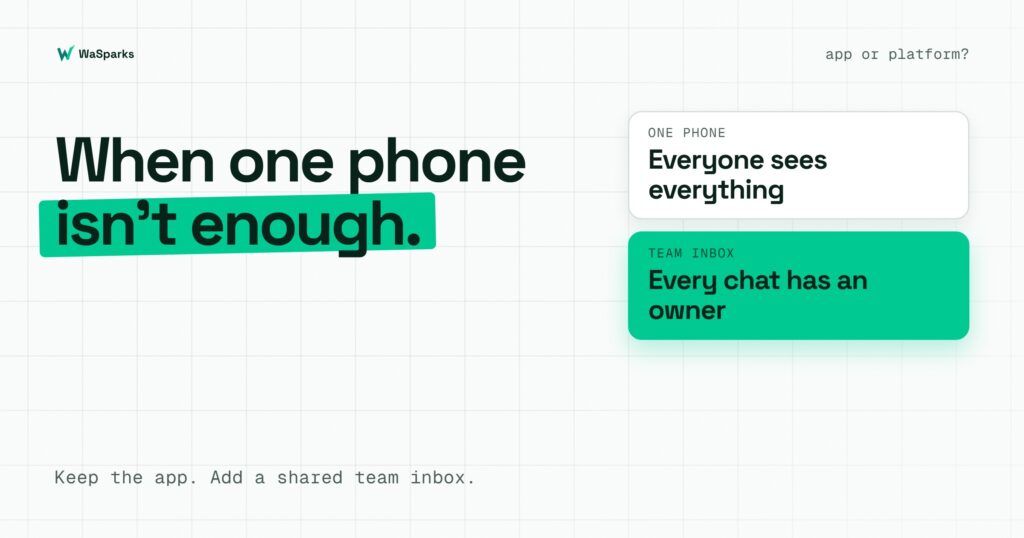
1. More than a couple of people need to answer. Linked devices let several people see the same chats, but there is no real assignment. Everyone sees everything, and two people can reply to the same customer.
2. Chats have no owner. If a customer message is unanswered, no one is accountable, because no one was ever assigned.
3. Staff turnover costs you history. When customer conversations live on a staff member’s phone, leaving means the history leaves too.
4. Your broadcasts do not reach everyone. Broadcast lists in the app are limited to 256 contacts per list, and they only reach people who have saved your number. Monthly broadcast caps are also being rolled out in some countries.
5. You cannot see what happened. There is no per-recipient delivery detail, no record of who changed what, and no cost estimate before you send.
6. You need automation. Welcome menus, after-hours replies and routing to the right person are beyond what the app can do.
7. You need to connect other systems. Sending order updates from your own software requires the platform’s API.
If three or more of these are true, a team platform will probably save you more time than it costs.
What changes on a team platform
A platform built on Meta’s WhatsApp Business Platform changes the work in specific ways:
- A shared inbox with ownership. Chats are assigned to a person, and can be transferred with a reason noted so the next person knows why.
- Campaigns to your own audiences. Upload a CSV, map columns to template variables and schedule, with a status for every recipient.
- Approved templates. Messages outside the 24-hour window use templates reviewed by Meta, and you can see each template’s status.
- Cost visibility. Meta charges per delivered message. WaSparks shows the estimated Meta cost before a campaign sends and the actual spend afterwards. Meta bills its charges to your WhatsApp account directly, not through WaSparks.
- Account health. Your quality rating and messaging tier are visible, and campaign sending is paced to your limits.
- Controls. Roles and permissions, an audit log of changes, and numbers masked in campaign reports unless you are an Owner or Admin.
- Automation. Chat flows can greet customers, answer common questions and hand the rest to your team.
You do not have to give up the app
A common fear is that moving to a platform means abandoning the app on your phone. It does not have to.
Coexistence lets you keep the WhatsApp Business app on the same number while also using a platform. It has been available in India since May 2025. To use it, the app needs to be version 2.24.17 or later. The last six months of chats and contacts are synced across.
There are limits to know about:
- Product catalog sending is not available on numbers that are linked to the app.
- Broadcast lists become read-only in the app.
- Some app features, such as disappearing messages, view-once media and live location, are disabled for the linked number.
- If the phone is inactive for roughly 14 days, the link can disconnect.
If those limits matter, you can instead move the number fully to the platform. Our guide on keeping your WhatsApp number walks through the six steps of Embedded Signup, and the WhatsApp setup guide covers connecting a number in about five minutes.
See it live: Want to see a shared inbox from the customer’s side? Tap here to test on WhatsApp (replies in under 5 seconds)
How to decide
Use these questions:
- How many people answer customers? One or two: the app may do. Three or more: look at a platform.
- How many customers do you message in a campaign? A few hundred to people who know you: the app may do. Thousands, or customers who have not saved your number: you need templates and the API.
- Do you need a record of who did what? If yes, you need a platform.
- Do you need automation or integrations? If yes, you need a platform.
- Is losing chat history a real risk? If yes, move it off personal phones.
A low-risk way to move
- Start with the trial. Ember is a free 30-day trial on a real number, with no card needed to start. It includes the team inbox, contacts, templates, quick replies and catalog, with 1,000 messages and three seats.
- Keep the app running with coexistence, if it suits you, so nothing changes for your team on day one.
- Build your templates and get them approved before you need them.
- Move one workflow first, such as order updates or after-hours replies, and add campaigns once the inbox feels natural.
- Move the team across when you are comfortable, and retire personal-phone chats.
Campaigns, reminders and the cost tools are part of the paid plans. Spark is ₹1,999 a month plus GST with unlimited seats, so adding people does not change the price.
The takeaway
The WhatsApp Business app is a good starting point, and many businesses should stay on it for a while. When several people share the work, when customers fall through the cracks, or when you need reliable campaigns and a record, a team platform is the next step, and you do not have to abandon your app or your number to take it. Try the fit check, or start 30 days free.
Found this useful? Share it with your team.