 WaSparks
Meta requires a customer’s permission before a business sends them a business-initiated WhatsApp message. Meta’s policy also recommends asking separately by category, for example one yes for order updates and another for offers. For a store with 2,100 customers and a spreadsheet of numbers, that is the first job of the month.
This guide is part of the Nimbu Lane series, an illustrative story about a small store. Start with Episode 1 if you want the context. The methods below work for any store.
What counts as opt-in
A customer has opted in when they clearly agreed to receive WhatsApp messages from your business and gave you their number for that purpose. Good opt-in is specific (it says WhatsApp), says what you will send, and is easy to withdraw.
A phone number in your order spreadsheet is not, by itself, opt-in for marketing. Keep a record of when and how each customer agreed. Without a record, you can’t show where a number came from if something goes wrong.
Four places to ask
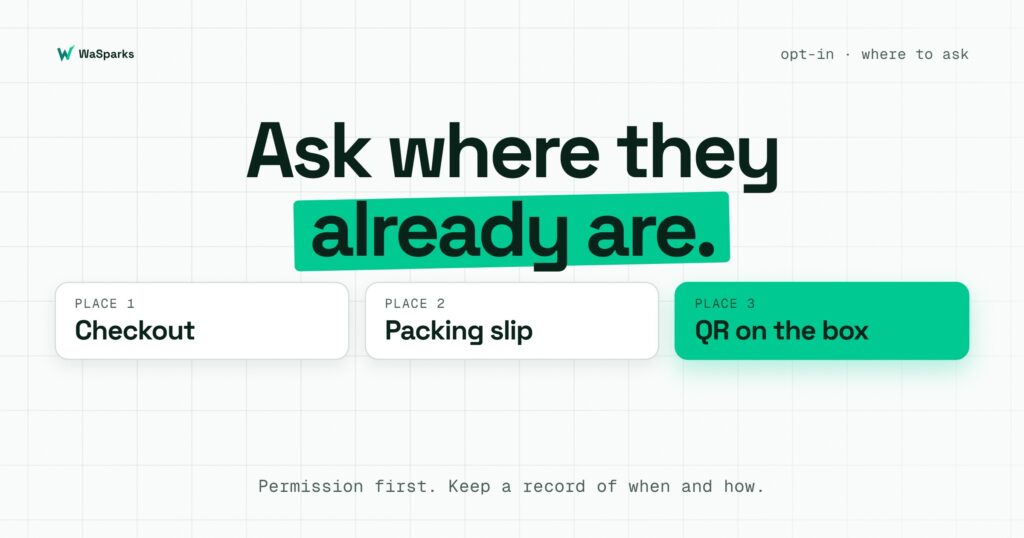
1. At checkout. Add an unticked box: “Send me order updates on WhatsApp.” Add a second box for offers if you plan to send them. Unticked matters; pre-ticked boxes are weak consent.
2. On the packing slip. Rohan, in our story, packs every order. A line on the slip does the work: “Want delivery updates and new batches on WhatsApp? Scan the code or message us ‘Hi’.” The customer’s message is itself a clear signal.
3. With a QR code. Put a QR code on boxes, flyers and your Instagram profile. It opens a chat with your number and a prefilled message. The next post covers click-to-WhatsApp links and QR codes.
4. In the chat itself. When a customer writes to you, ask: “Can we send you updates about your order here?” A yes in the chat is consent you can point to.
Wording that works
- “Send me order updates on WhatsApp” for service messages.
- “Send me offers and new arrivals on WhatsApp. Reply STOP any time.” for marketing.
- Say how often, if you can: “about twice a month”. Then keep to it.
What not to do
- Don’t add people from a purchased or scraped list.
- Don’t message a customer who only gave their number for delivery and call it opt-in for offers.
- Don’t make marketing consent a condition of buying.
- Don’t ignore STOP. The STOP keyword playbook explains how to honour it.
What about the 2,100 customers you already have?
Be honest about the source. Customers who bought from you and gave a number for delivery are not automatically ready for marketing. A practical route is to send nothing promotional yet. Invite them through the packing slip, Instagram and a QR code, and let them start the chat. Every customer who writes first can then be asked for opt-in properly.
See it live: see how a first chat and opt-in question look on WhatsApp. Tap here to test it.
Next: click-to-WhatsApp links and QR codes for a small store. Before that, read what you can and can’t sell on WhatsApp in India. Start 30 days free.
Found this useful? Share it with your team.