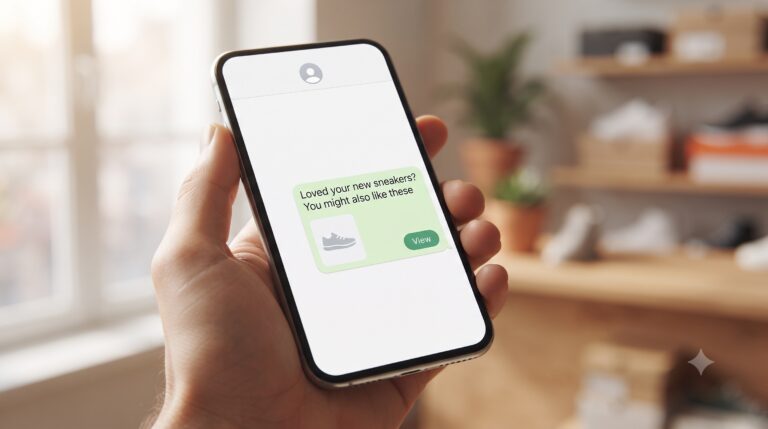
WhatsApp Templates Every Retail Store Should Have Ready
A customer places an order through a WhatsApp catalog conversation on a Friday evening. Without a template ready to fire immediately, the confirmation doesn’t go out until Monday morning when someone’s back at a desk — and by then, the customer has already messaged twice asking if the order actually went through. A handful of pre-approved templates closes that gap entirely.
The templates worth setting up first
- Order confirmation — sent the instant an order is placed, with order number and items.
- Shipping / dispatch update — sent when the order actually leaves, with tracking details if available.
- Delivery delay notice — proactive, sent before the customer has to ask.
- Restock alert — for customers who asked about an out-of-stock item, sent the moment it’s back.
- Return / exchange confirmation — closes the loop clearly instead of leaving a customer guessing whether a return was received.
Why proactive beats reactive here
Every one of these templates exists to answer a question before the customer has to ask it. A store that sends a delay notice before being chased for one reads as reliable; a store that only responds when pushed reads as disorganized — even if the actual delivery timeline is identical. Templates make “proactive” scalable instead of dependent on someone remembering to follow up manually.
Templates handle the message — not the relationship
Templates are the fast, compliant way to send predictable, time-sensitive updates. What they don’t do is make sure someone follows up on the customer who asked “is this the right size for me?” and never got a real answer, or the one whose delivery actually arrived damaged. Those conversations need a person and an owner, which is what a shared inbox built for retail is for — the templates handle the routine, the assigned inbox handles everything that isn’t.
FAQ
Can templates include order-specific details like tracking numbers?
Yes — WhatsApp templates support variable fields, so each message can include the specific order number, item, and delivery date without needing a separate template per order.
Do these templates work during a big sale with high message volume?
Yes, and that’s when they matter most — templates keep confirmation and shipping updates going out instantly even when message volume spikes well beyond what a team could type manually.
Set up your five essential retail templates before your next sale. See WaSparks features or check pricing.
See how it works for retail → retail.wasparks.com
Answer the question before it’s asked.
Wasparks writes about messaging strategy, customer communication, and building businesses that put conversations first.