WhatsApp Templates Every Salon and Clinic Should Have Ready
A client books an appointment on WhatsApp at 9 p.m. on a Sunday. Nobody’s at the front desk to confirm it, so she waits — and starts wondering if the booking actually went through. That gap between “sent” and “confirmed” is where a surprising number of no-shows and double-bookings start, and it’s entirely avoidable with a handful of pre-approved templates sitting ready to fire the moment they’re needed.
Why templates matter more for salons and clinics than most businesses
WhatsApp requires pre-approved templates for the first message in a business-initiated conversation, and for good reason — it keeps businesses from blasting unsolicited marketing. For a salon or clinic, this isn’t a limitation, it’s a gift: appointments are inherently time-and-date-specific, which is exactly the kind of message a template handles better than a person typing it fresh every time.
The five templates worth setting up first
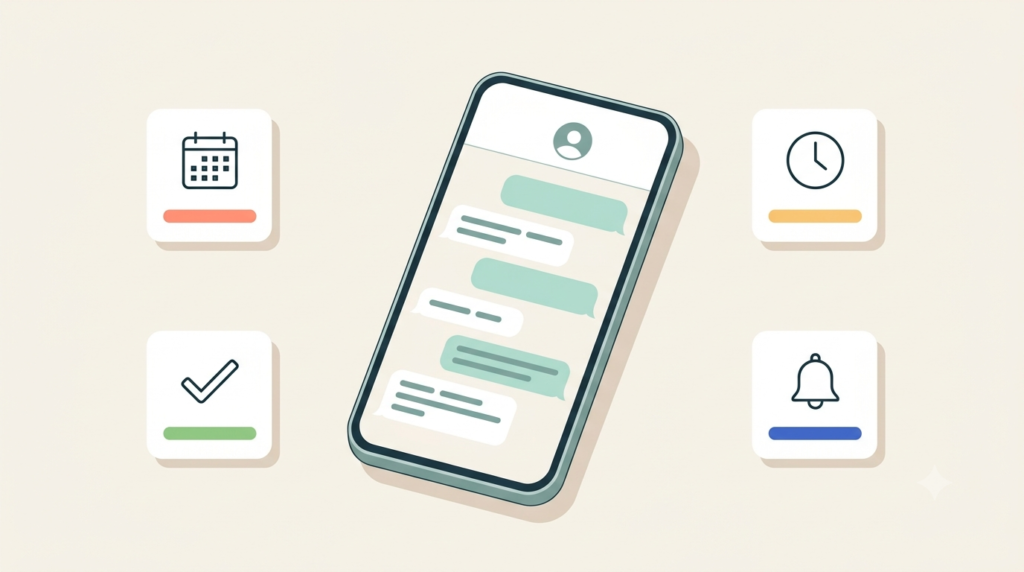
- Booking confirmation — sent the moment an appointment is made, with date, time, service, and staff member.
- Reminder, 24 hours out — the single biggest lever against no-shows, sent automatically without anyone remembering to do it.
- Reschedule / cancellation — a clear, no-friction way for a client to move their slot without a back-and-forth.
- Post-treatment aftercare — care instructions sent right after a service, while the client still has the details fresh.
- Review or referral request — sent a day or two after a good visit, when the client is most likely to respond warmly.
Templates don’t have to feel like a form letter
The worry with templates is always that they’ll feel robotic. In practice, a well-written template with the client’s name, their specific service, and their actual appointment time reads as more attentive than a rushed manual message typed between two other clients — not less. Variables do the personalization; the template just guarantees it happens every time, for every client, whether the front desk is slammed or not.
Where templates fit into the bigger picture
Templates solve the “did this get sent” problem. They don’t solve “who’s responsible for this client’s ongoing relationship” — that’s a separate piece, and it’s what a shared inbox built for salons and clinics is for: assigning the booking to a staff member, logging any handoff, and keeping a running profile of the client so the templates above are pulling from real, current information instead of a static client list.
FAQ
Do WhatsApp templates need Meta’s approval before use?
Yes — template messages that start a conversation need to be submitted and approved by Meta in advance. Once approved, they can be reused indefinitely with variable fields like name, date, and service filled in per message.
Can we still send a personal, non-template message after the template?
Yes. Templates are only required to open a business-initiated conversation. Once the client replies, or within the 24-hour service window after they’ve messaged you, regular free-form messages work normally.
Get your five essential templates built and approved before your next busy week. See WaSparks features or check pricing to get started.
See how it works for salons & clinics → salons.wasparks.com
A confirmed booking is a kept booking.
Wasparks writes about messaging strategy, customer communication, and building businesses that put conversations first.